Open & write PSD
Layers, groups, masks and blend modes survive, in both directions. Your archive stays readable, your deliveries stay compatible.
C Photo · Diamond
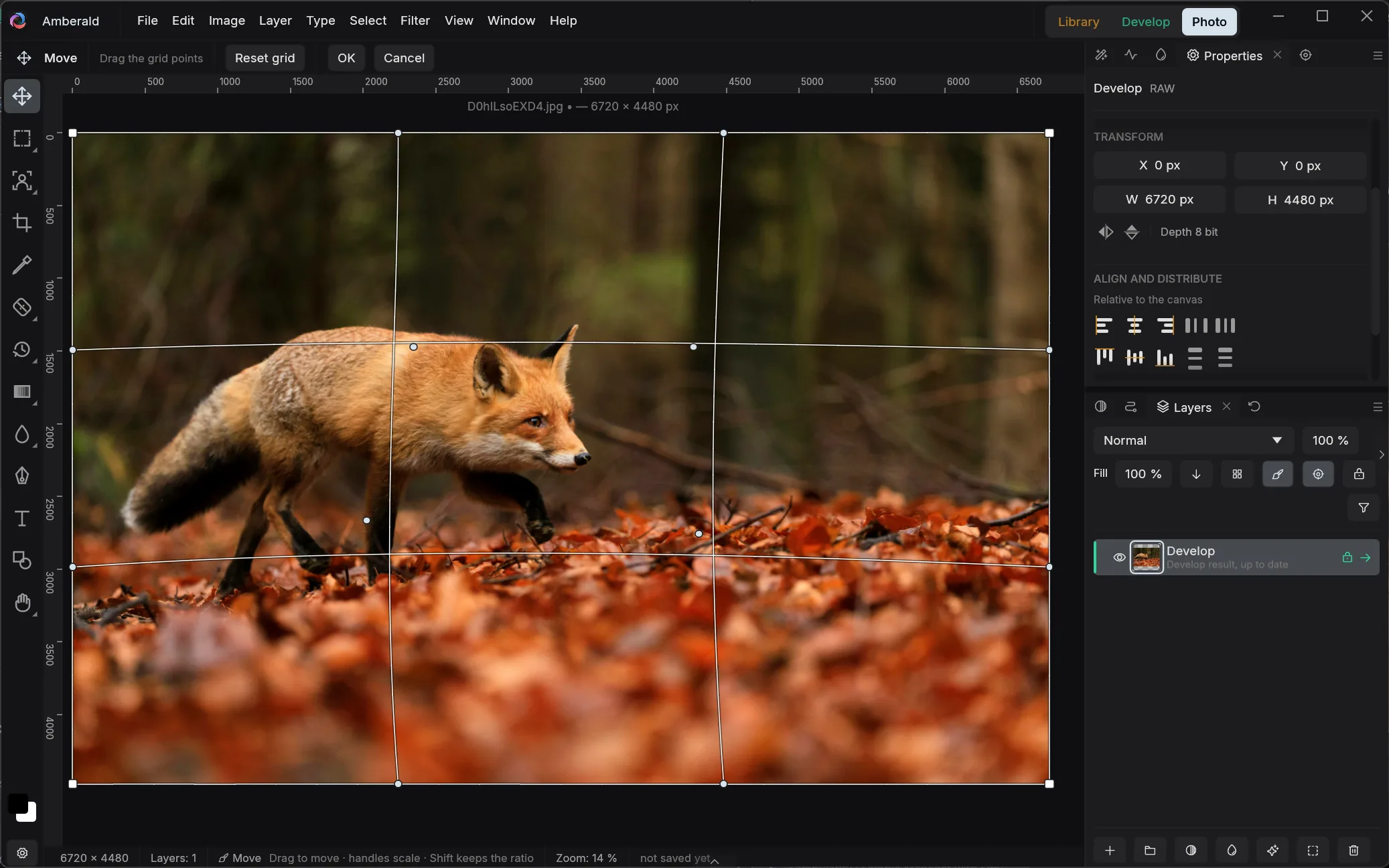
A full image editor in the Photoshop mold: toolbar, options bar, dockable palettes, the familiar keyboard shortcuts. Built into Amberald; buy once instead of subscribing.
01 Layer editing
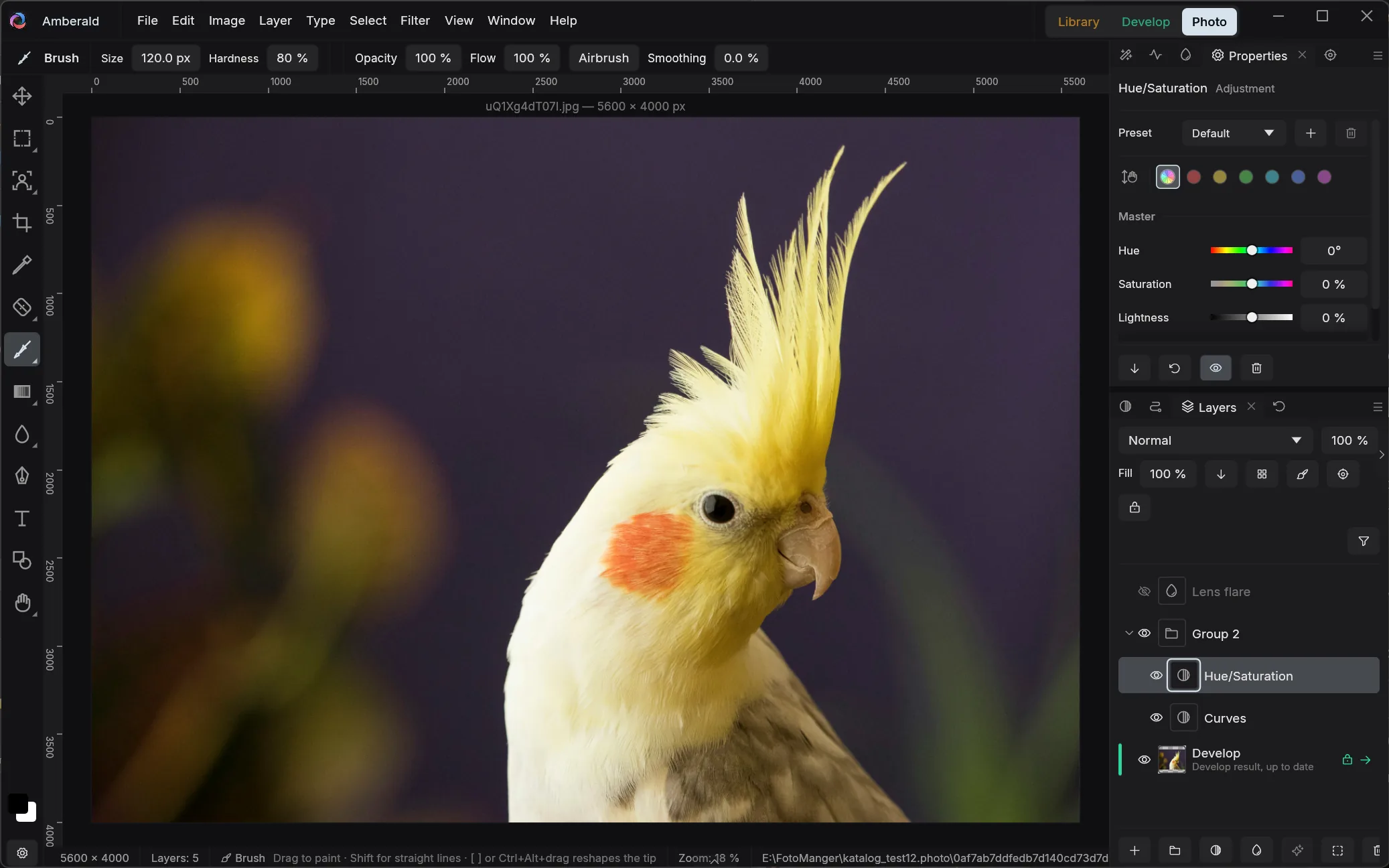
Pixel layers, adjustment layers, live filters, masks, shapes and text in one document. 27 blend modes, groups, clipping masks, layer styles. Computed linearly on the GPU, blended Photoshop-compatibly.
02 One photo stays one
In Lightroom, “edit in Photoshop” means a frozen, giant copy next to your RAW. In Amberald, the layers sit on top of the living develop recipe: one photo, one catalog entry, and grid, export and print always show the finished picture.
RAW → develop recipe → Photo layers
And if you prefer the classic way: PSD works in both directions.
03 PSD & craft
Layers, groups, masks and blend modes survive, in both directions. Your archive stays readable, your deliveries stay compatible.
Channel view, image and channel calculations, 8 and 16 bit, grayscale.
Drop shadow, inner glow, blend-if: the classics, no detours.
Mean, median, focus stacking: average out noise, remove passers-by, get macros sharp front to back.
Rulers, snapping, guides and crop overlays up to the golden spiral.
Tool letters and keyboard shortcuts like Photoshop's, and the shortcuts are remappable.
04 The honest answer
Amberald Photo is built for photo workflows: retouching, montage, delivery. Whether your special cases are covered is what the trial will show you, 30 days free, every feature included. And since PSD works in both directions, every road stays open.
Library, darkroom and montage; buy once instead of subscribing. For Windows, macOS and Linux.