Full-screen import
Card detection, dedupe during ingest, second-copy backup, auto-eject.
A Library · Amber
Cull, organize, find: lightning fast even at millions of photos, with AI that runs entirely on your machine.
01 AI search
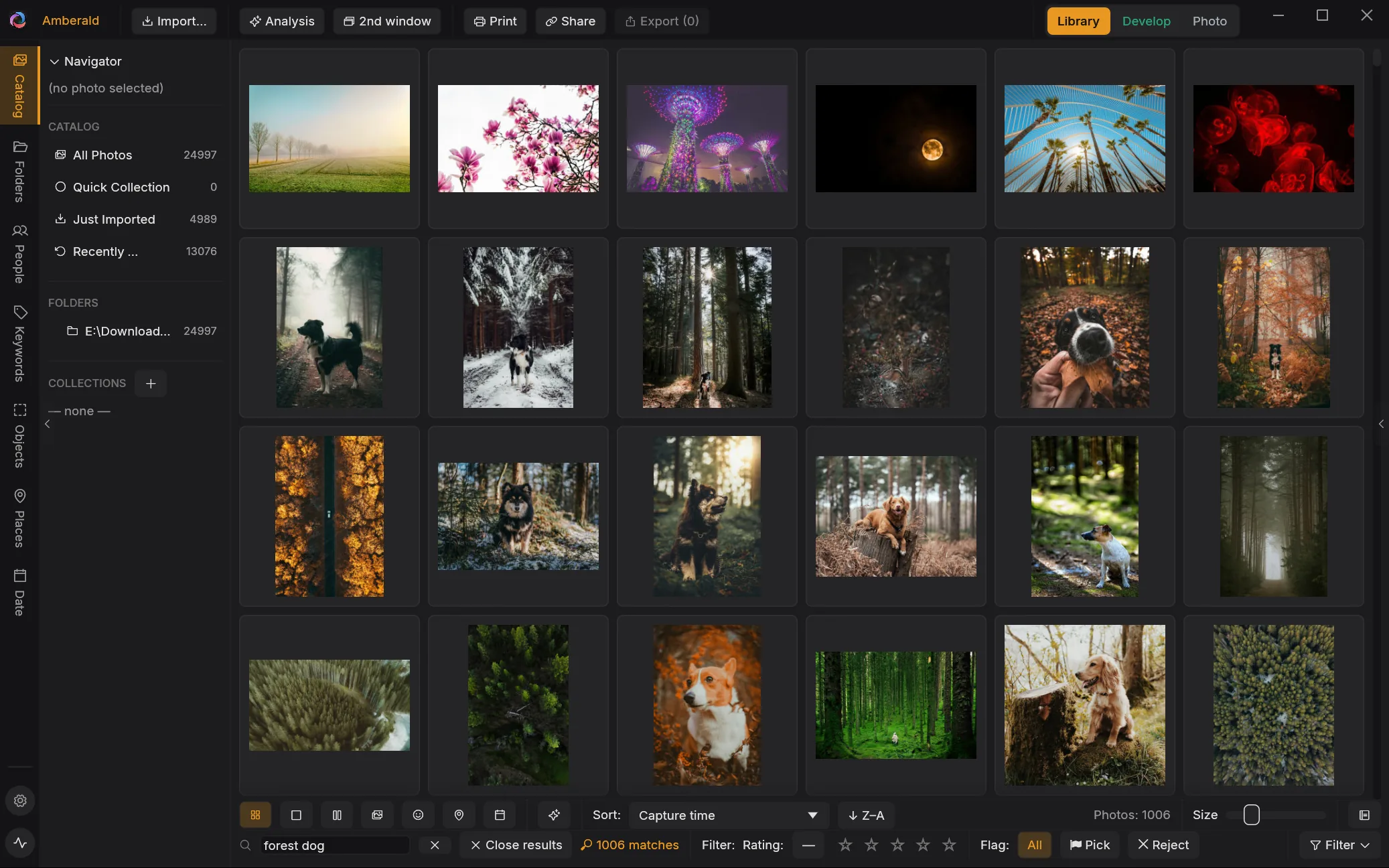
Just type what you remember: “forest dog”, “red jacket on the beach”, “Helena at the lake”. Amberald finds the matches instantly, without you ever having tagged a thing.
02 Performance
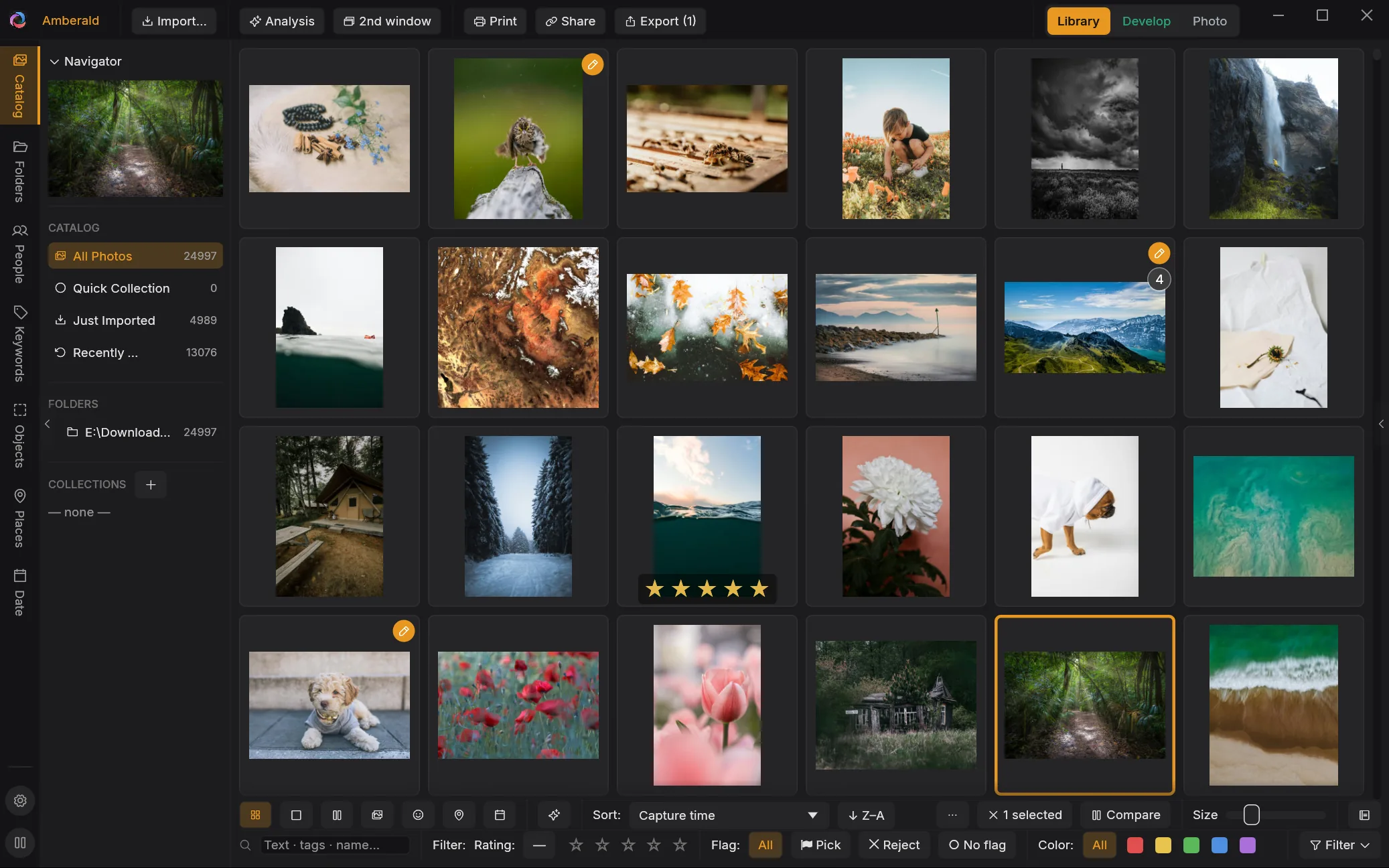
Import is two-phase: your photos appear in seconds, and the heavy lifting (previews, metadata, AI analysis) continues in the background, starting with whatever you're looking at.
03 People
Local face recognition: name a person once and get suggestions everywhere. And because Amberald knows when a photo was taken, a birthdate even lets it tell siblings apart as babies.
04 Everything else
Card detection, dedupe during ingest, second-copy backup, auto-eject.
Find near-duplicates & bursts, review side by side, stack or reject.
Burst and RAW+JPEG grouping that stays out of your way.
Including workflow presets like “never exported” or “no keywords yet”.
Real trees, fast assignment with autocomplete, XMP-compatible.
GPS map with clustering and geotagging, a date tree for every source.
Thumbnails and playback with audio. Videos live in the same library.
Automatic catalog snapshots, consistency checks, one-click restore.
Open a memory card, NAS or download folder directly: rate, flag, even develop. Edits live in sidecar files, and a later import brings everything along.
Share a selection as a link, straight from your machine: clients pick favorites and comment, feedback lands back in your catalog. No gallery subscription.
05 Switching
Point Amberald at your Lightroom catalog and years of work move over, down to develop settings and virtual copies. If the import is interrupted, it resumes exactly where it stopped.
your-photos.lrcat → Amberald
Your Lightroom catalog is only ever read, never modified. Amberald works on a copy.
That's when the real work begins: next door, in the darkroom.