22 built-in looks
Film, cinematic and B&W looks, applied without overwriting your photo's exposure and white balance.
B Develop · Emerald
Non-destructive RAW editing on your GPU: layers, masks, versions and an AI toolbox, all without the cloud.
01 Layers
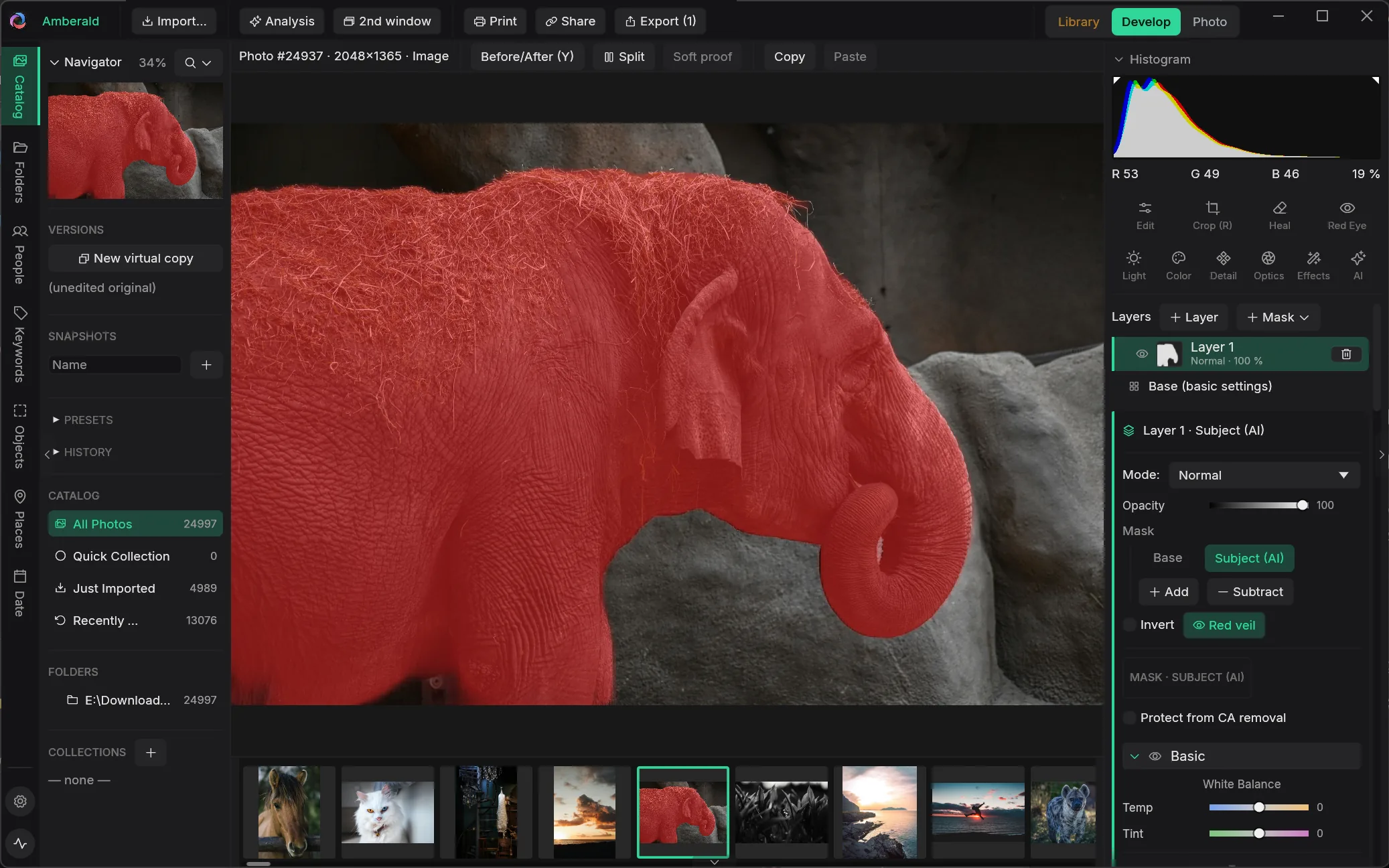
Build edits like a compositor: every adjustment lives on a layer with its own mask, whether painted, gradient, luminance or color range. Or let the AI do the masking: subject, sky, person, depth, light.
02 Versions
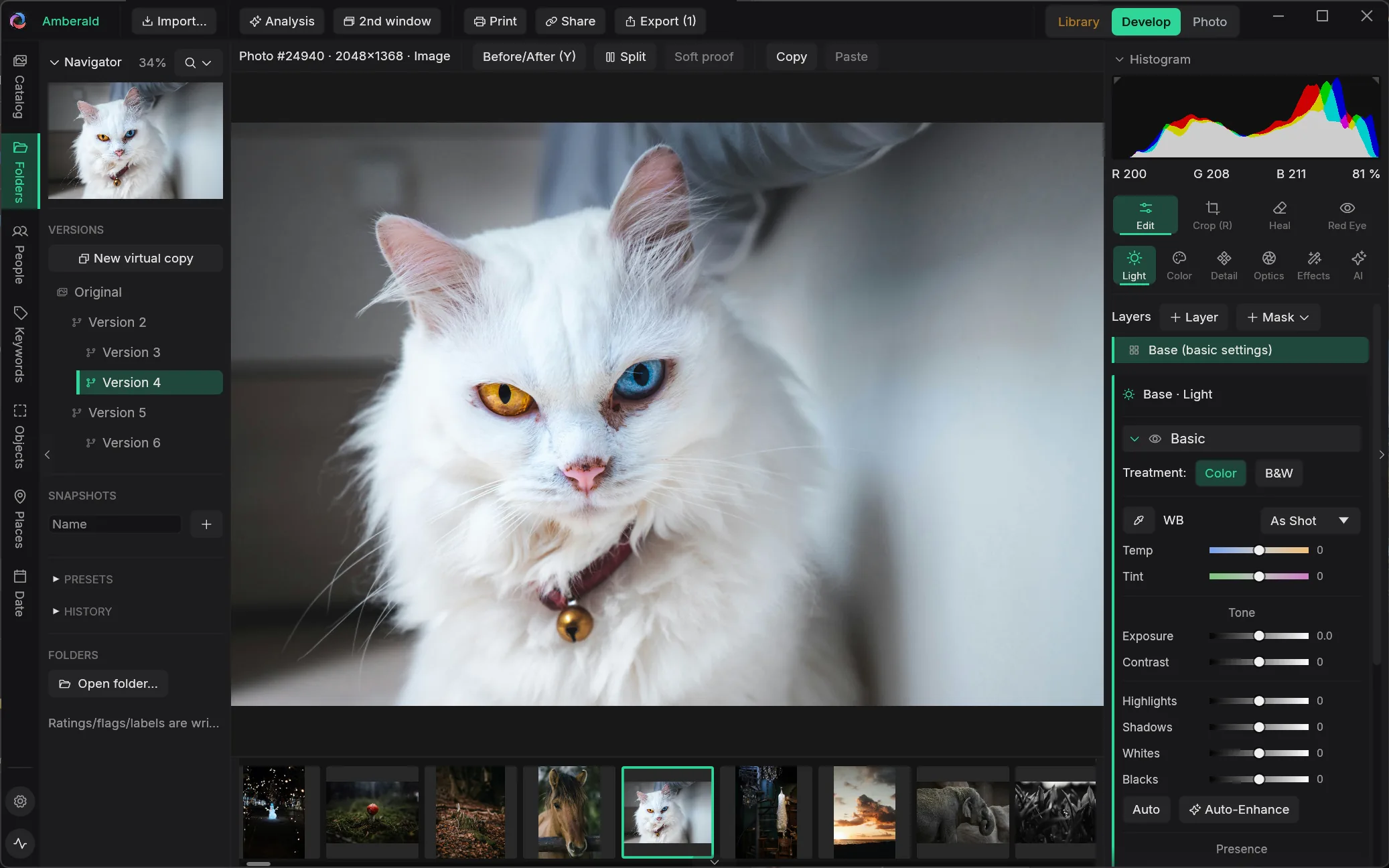
In Amberald, virtual copies grow into a real version tree: branch a color look off step 12 of your history, keep both, switch anytime. Every version carries its own complete history.
03 AI tools
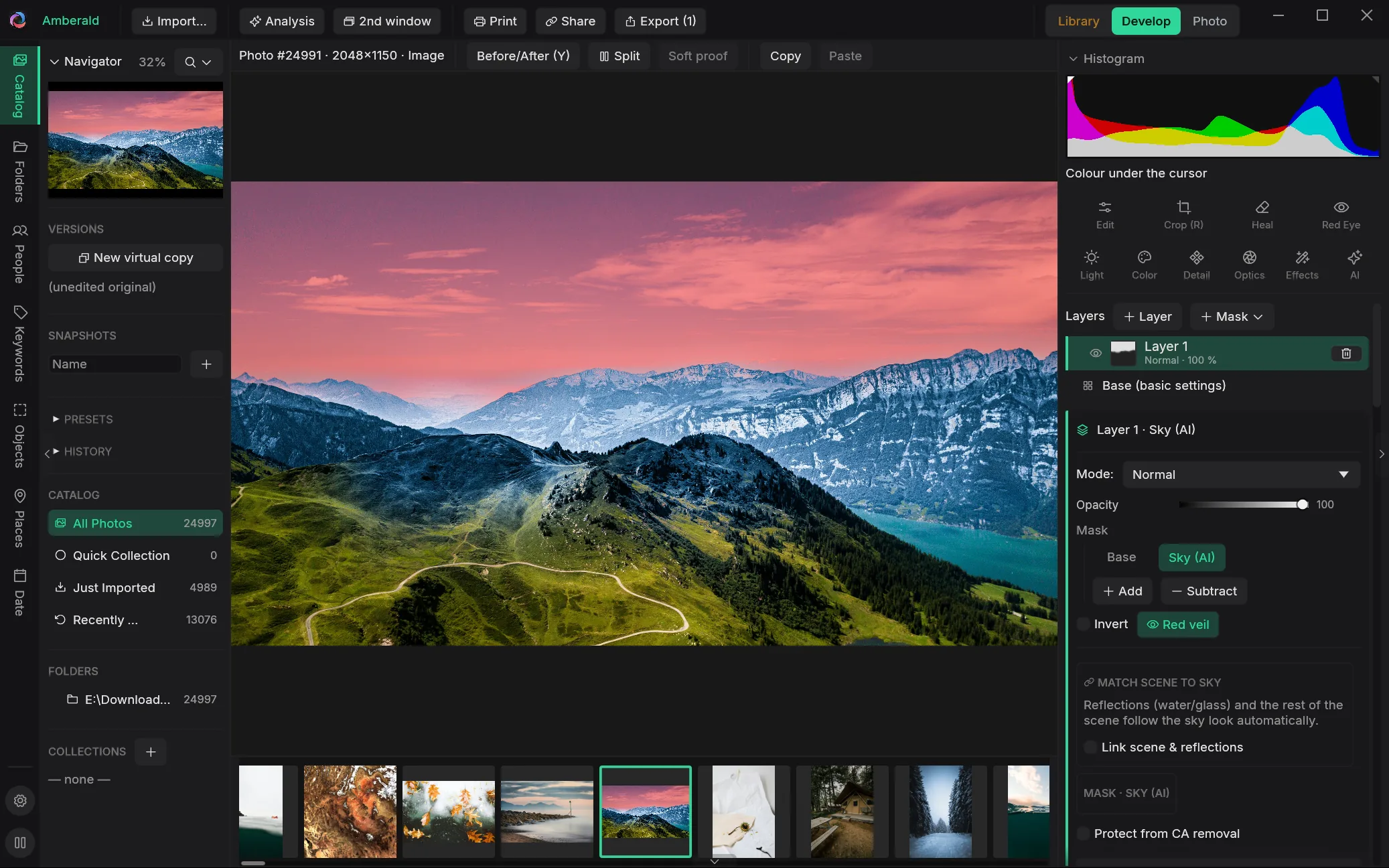
Six heavyweight tools run on your own GPU, with no upload and no subscription meter. Your RAW never leaves your machine.
04 Superscale
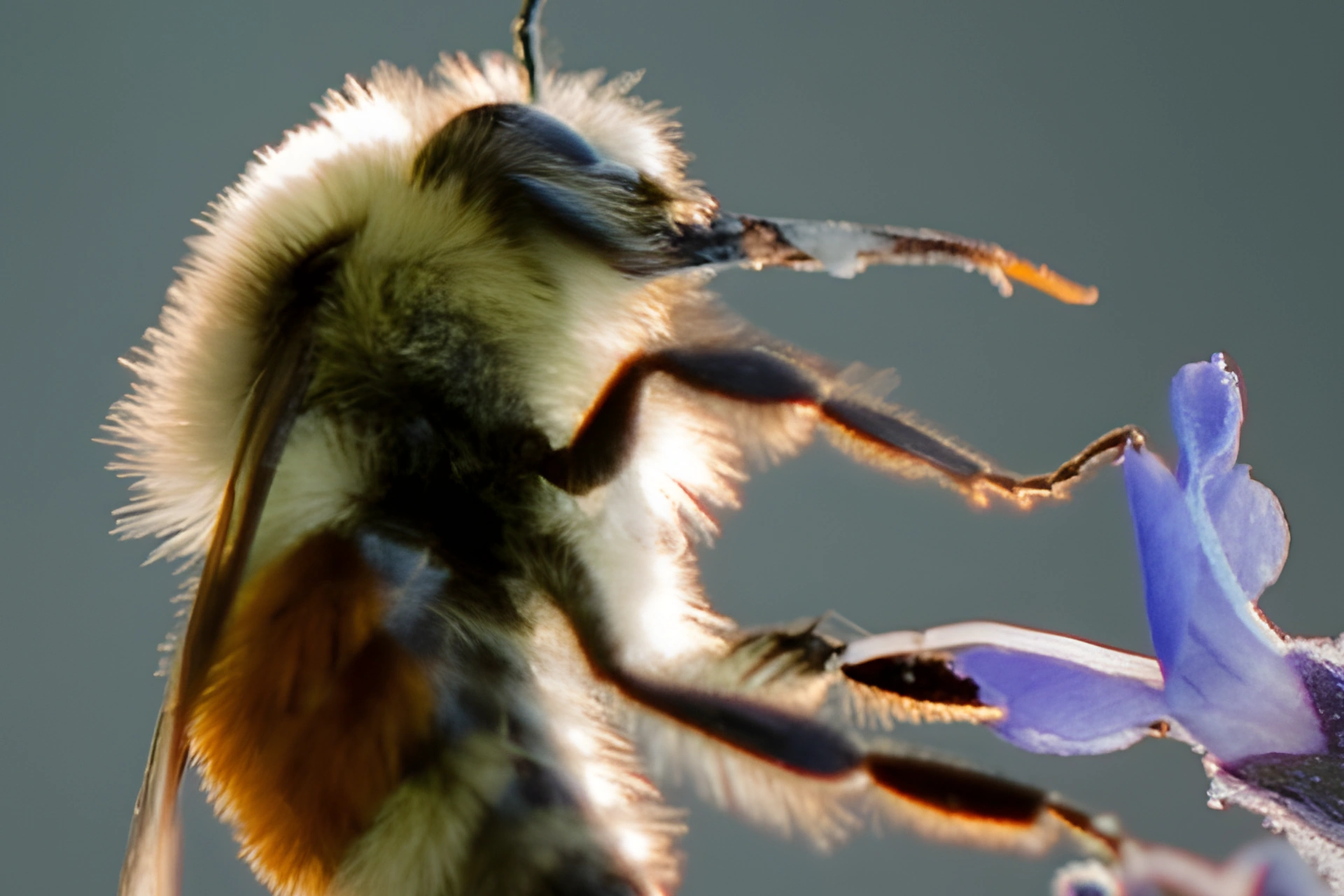
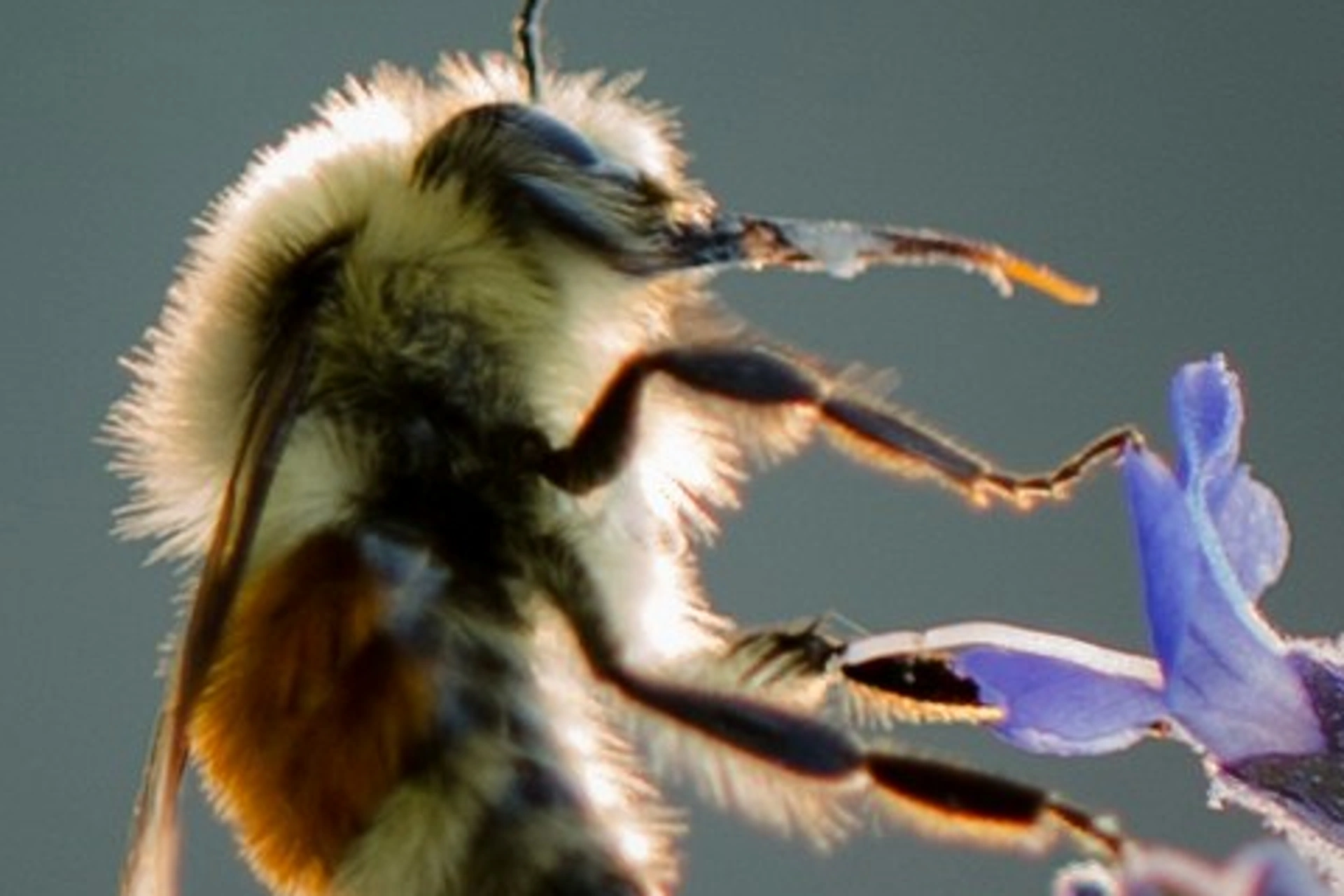
Superscale enlarges a photo two or four times as it exports, with an AI model that runs on your own machine. A tight crop becomes a print, an old file becomes a poster. Drag the line across the bee: on the left the original, enlarged the classic way, on the right Superscale.
05 Light mask
The light mask knows the space in your photo: an AI model on your own machine estimates depth and surfaces, and a lamp you drag across the image lights them like a real one. Surfaces facing it brighten, everything falls off with distance, and objects cast shadows that move along. Color, strength, reach and shadow softness are set on the layer. The depth view shows what the model understood of the space: switch to it at the top left, as in the app.
06 From look to delivery
RAWs should open looking the way you know them, not flat and washed out. And at the end there's an export that speaks every format.
Film, cinematic and B&W looks, applied without overwriting your photo's exposure and white balance.
Import .xmp and .lrtemplate presets directly (global adjustments; mask presets to follow).
JPEG, PNG, TIFF, WebP, AVIF, with presets, renaming templates, watermarks and color management.
Convert proprietary RAWs losslessly to open DNG: sensor data preserved byte-exact, your edit embedded as preview.
Amberald reads the camera profiles installed on your system, so your RAWs open with the color character you're used to.
Temperature, tint, vibrance: calibrated against reference edits so they behave the way switchers expect.
Then the image editor is waiting next door: Photo, the third module.